


This guide outlines simple measures that can be taken to enhance the longevity of your computer.
Clean your computer regularly.
Dust is the silent enemy of electronics. It builds up, clogs fans, traps heat, and gradually wears out components. A simple blast of compressed air every few months can help keep things cool and extend the life of your devices.
This is especially important for laptops, where replacing parts can be trickier than with desktops. Keeping the vents clear and avoiding surfaces like blankets or pillows that can obstruct airflow is essential for preventing overheating and making your laptop last longer.
Don’t ignore software maintenance.
Regular software maintenance is essential for your computer's health. It involves uninstalling unused programs, clearing temporary files, and updating the operating system, which helps prevent unnecessary strain on the system.
Curious about why computers slow down in the first place? Check out this useful guide on why your computer runs slow for a deeper understanding of common issues like malware, crapware, and outdated hardware.
Strategically upgrade your computer.
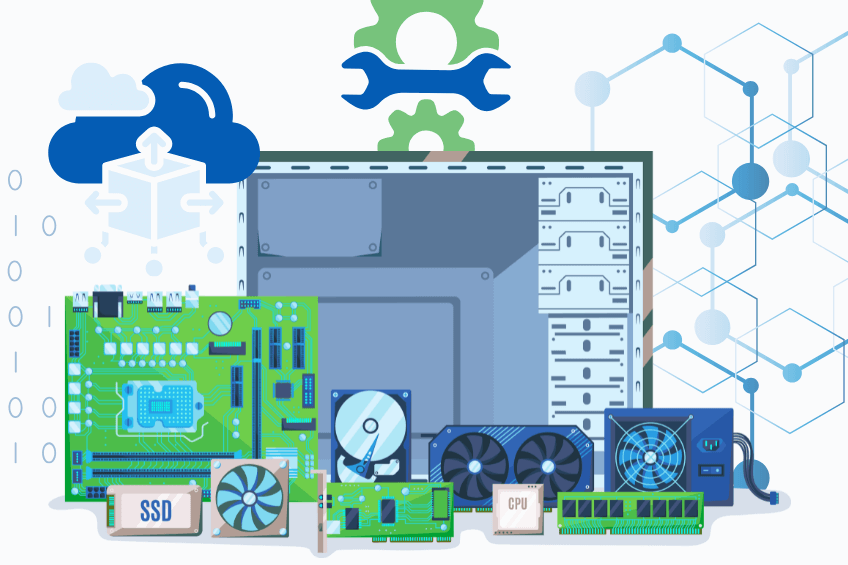
Rather than replacing your entire computer, consider some budget-friendly upgrades. You can add more RAM or replace the hard drive with an SSD. It can significantly enhance performance and extend usability while remaining cost-effective.
When it comes to laptops, your upgrade options are pretty limited—usually, you can only change out the RAM and storage. This makes it even more important to stay on top of regular maintenance and develop good usage habits to ensure your laptop lasts as long as possible.
Protect against malware.
Malware and viruses can compromise your data, drain your system resources, and shorten the lifespan of your computers. It is essential to install a reliable antivirus program. Regular scans should be performed, akin to routine health checkups for your PC.
Practice mindful usage.
Leaving your computer on 24/7 can really take a toll on its components. It’s best to shut it down when you’re not using it. Avoid eating near the keyboard to prevent crumbs from accumulating, and keep drinks away from your workspace.
If you’re a laptop user, pay attention to how you charge it. Modern laptops are equipped with lithium-ion batteries that have smart charging systems, which stop charging once they reach 100%., so keeping your laptop plugged in most of the time won’t damage the battery right away.
Don’t forget about heat: laptops are more susceptible to overheating because of their compact design. Always use them on hard, flat surfaces, consider investing in a cooling pad if you work for long hours, and make sure not to block the vents. Excess heat is one of the quickest ways to shorten a laptop’s lifespan.
Take Charge of Your Own Device
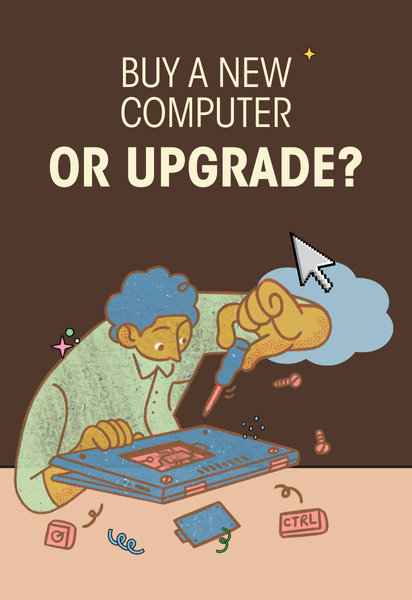
When it comes to laptops, having smart charging and cooling habits can really make a huge difference. If you treat your device like the vital tool it is, it will reward you with years of reliable performance.
Conclusion
The key is to stay consistent. Treat your computer like the essential tool it is, and it will reward you with improved performance, fewer headaches, and long-term savings. Start putting these habits into practice today, and you might be surprised at how much longer your device can last.