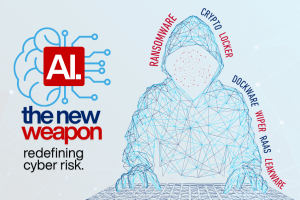




Don't Get Left Behind.
Build Your AI Literacy.
As AI literacy turns into a necessary skill for businesses today, it’s beneficial to recognize the practical areas that can greatly influence daily operations. This means knowing how to create effective prompts, being aware of potential inaccuracies in AI outputs, establishing healthy boundaries for AI application, and ensuring your team is confident in using these tools.
Writing clear effective prompts that turn unclear AI responses into polished, brand-aligned content.
Incorporating AI into daily workflows to enhance the speed of drafting, brainstorming, and refining content.
Using AI effectively can streamline processes, elevate customer service, and lead to better decision-making, all while ensuring that human judgment remains essential.
Spotting AI hallucinations and understanding how to check information before sharing it with customers or coworkers.
Practicing responsible AI involves a focus on privacy, recognizing bias, and preserving the human connections that are essential for building trust.
Using structured prompting techniques, like role-based, persona-based, and iterative prompting—to achieve more precise and customized outcomes.
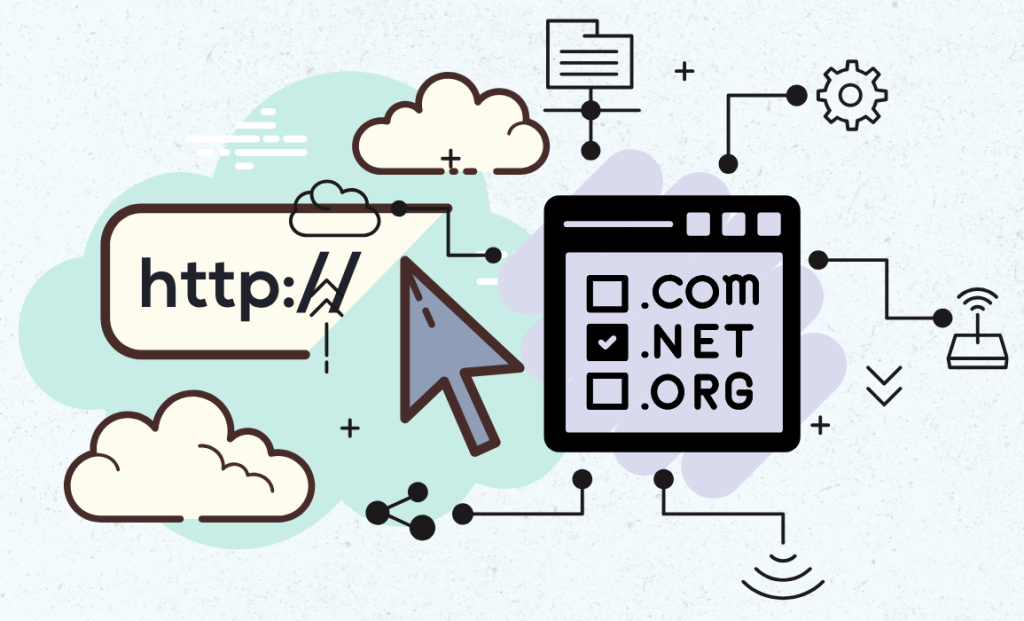
Protecting Your Online Identity Starts With Your Domain
It’s surprising how many businesses don’t see their vulnerabilities until disaster strikes. Domains can quietly expire, get registered under the wrong name, or be controlled by former employees, third-party vendors, or worse, malicious actors. Trying to get back a lost domain can be not only expensive but also incredibly stressful, and sometimes it’s just not feasible.
You don’t need complex tools to enhance your domain protection—just a commitment to consistent, proactive management. Here are some key practices to follow:
Register the domain under the business owner or an authorized leader, not just a vendor or employee.
Ensure that your login credentials are secure and properly recorded, and make sure to activate multi-factor authentication for extra protection.
Keeping contact information current ensures that renewal alerts and security notices get to the right person.
Monitor renewal dates closely to avoid any accidental expiration or loss of ownership.
Use reliable registrars that provide domain locking, privacy protection, and trustworthy support.
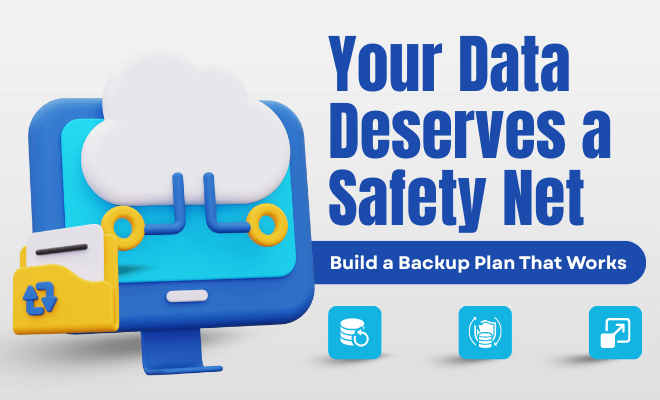
Creating a solid backup plan doesn’t have to be a headache. The key is to stay consistent, keep things clear, and ensure your data is saved in multiple locations. When something goes wrong — and it will — a reliable backup will help your business recover quickly and keep things running smoothly without significant delays.
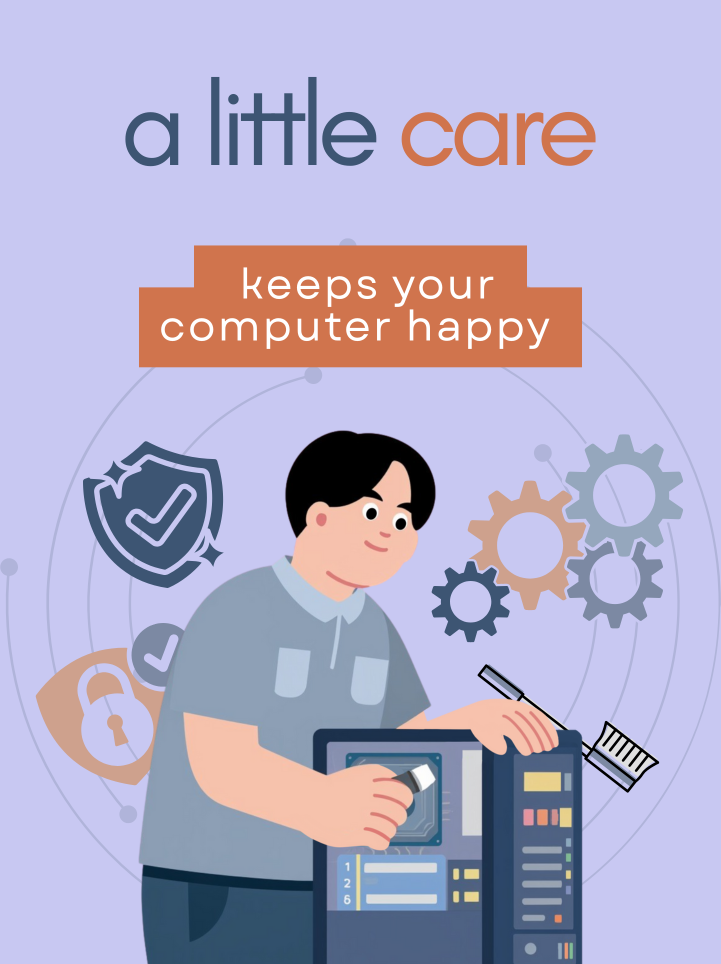
Simple Habits That Help Your Computer Last Longer
By picking up a few simple habits, you can keep your computer running smoothly for years, avoid those annoying repairs, and save some money on upgrades that come too early.
Many performance issues arise from things like dust buildup, outdated software, or just not keeping up with maintenance.
Here are practical habits that make a noticeable difference:
Keep Your Computer Clean
Dust can be a major enemy to electronics. It clogs up fans, traps heat, and gradually wears down components. A quick blast of compressed air every few months can help lower temperatures and prolong your device’s life—especially for laptops, which are particularly prone to overheating.
Stay Ahead of Software Maintenance
Make it a habit to uninstall programs you don’t use, clear out those pesky temporary files, and keep your operating system updated. These little steps can really lighten the load on your system, helping to avoid slowdowns and ensuring your computer runs smoothly.
Consider Smart Upgrades
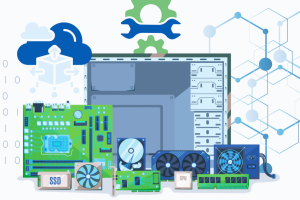
Rather than replacing your entire computer, you can significantly enhance its performance by just adding more RAM (memory) or upgrading to a faster solid-state drive (SSD). For laptops, the upgrade choices are a bit more restricted, which is why regular maintenance is so important.
Check out the full guide for more tips on extending its lifespan.

Tech Tidbit
Ethernet was invented in 1973 at Xerox PARC by Robert Metcalfe and his team, who needed a fast, reliable way for early computers to share information. Their solution used digital packets sent over a single cable — simple, clever, and surprisingly future‑proof.
Today, that same idea powers the wired networks in offices, homes, and data centers around the world. Not bad for a 1970s invention that’s still going strong.