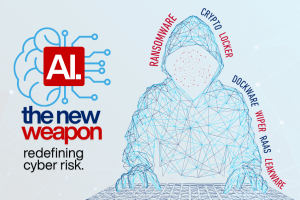



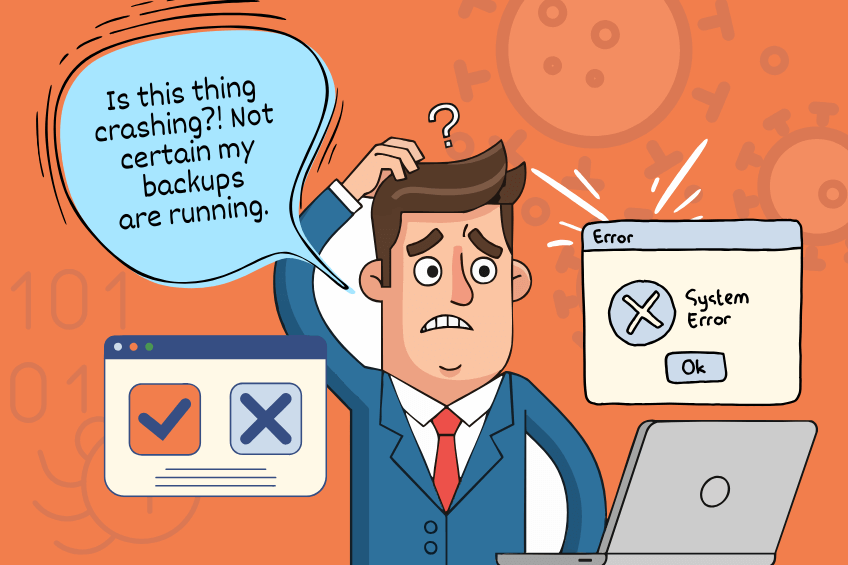
Here’s the truth: cyberattacks, hardware issues, and even simple mistakes happen all the time. For small businesses, especially, one instance of data loss can be devastating—sometimes even forcing a complete shutdown. That’s why having backups isn’t just an IT task; it’s a critical strategy for survival. A solid backup plan means that when the unexpected happens, you can bounce back quickly and keep your business on track.
Why Backups Remain Essential
Think about it this way – downtime isn’t just about losing files; it’s about losing productivity, missing deadlines, frustrating your customers, and possibly running into compliance issues. For small businesses, just a few hours of downtime can lead to lost revenue and a tarnished reputation.
Backups also offer peace of mind. When you know your data is secure, you can concentrate on growing your business instead of worrying about “what if.” Whether it’s a single corrupted file or a complete system crash, having backups gives you the assurance that you can recover without starting from scratch.
Types of Backups
File-Level Backup
This option allows you to save individual files or folders. It’s great for quick retrieval, but watch out—you might overlook something crucial.
Image-Level Backup
These backups take a snapshot of your entire system, including apps, settings, and the operating system, so you can restore everything to its original state. They’re perfect for disaster recovery situations.
Backup Methods
This method creates a complete copy of all your data. It’s great for peace of mind, but it can take a lot of time and storage space.
This one only saves the changes made since the last backup. It’s quick and efficient, but restoring your data can be a bit of a hassle since it involves multiple steps.
This method saves all the changes made since the last full backup. It’s easier to restore than incremental backups, but it does take up more space.
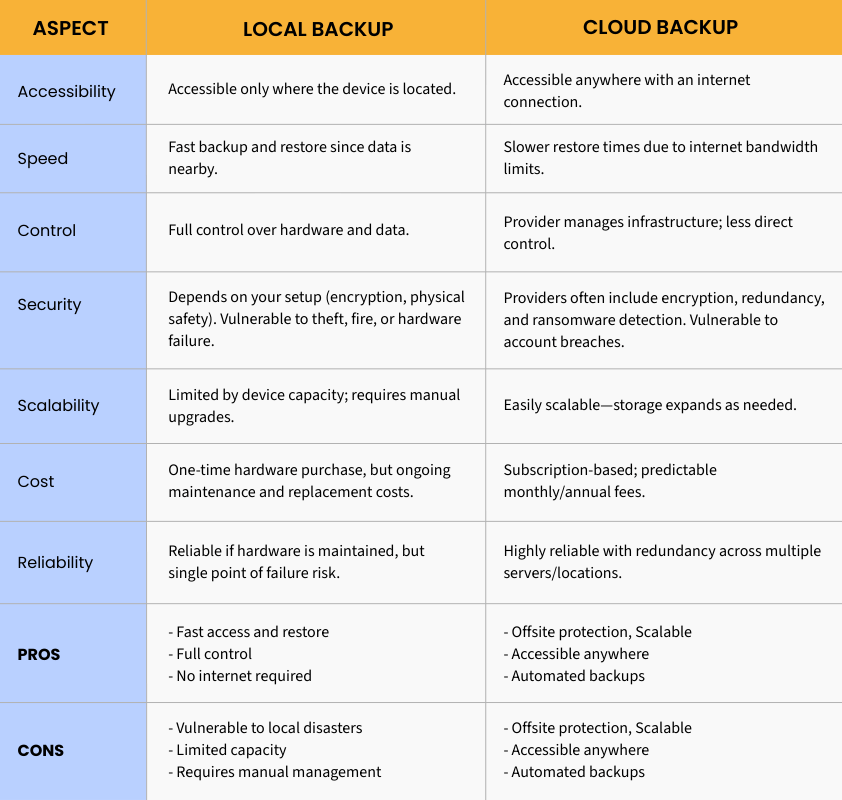
Local Backup vs. Cloud Backup
Local Backup
Using external hard drives or NAS devices gives you quick access and control over your data. However, they can be at risk from theft, fire, or hardware malfunctions.
Cloud Backup
With services like Microsoft OneDrive, Google Drive, or dedicated business backup solutions, you can securely store your data offsite. Cloud backups are great because they easily scale, protect you from local disasters, and often come with built-in ransomware protection.
The 3-2-1 Backup Strategy (Still a Must)
Even now, the classic rule applies:
- Keep 3 copies of your important data.
- Store them on 2 different types of media.
- Make sure 1 copy is kept offsite (typically in the cloud).
This multi-layered approach offers protection against nearly any situation.
Modern Improvements to Consider
-
Automated Backups
Set up your backups so you never have to worry about forgetting them. -
Ransomware Protection
A lot of cloud services now check backups for any suspicious activity. -
Versioning
You can easily restore older versions of your files if something goes wrong or if you accidentally make changes. -
Encryption
Always make sure to encrypt your backups to keep your sensitive information safe.
With backups, you can rest easy knowing that if something goes wrong, you can quickly get back on your feet without losing your momentum.